SoundIsle
A quiet macOS player for listening to local music while you work.
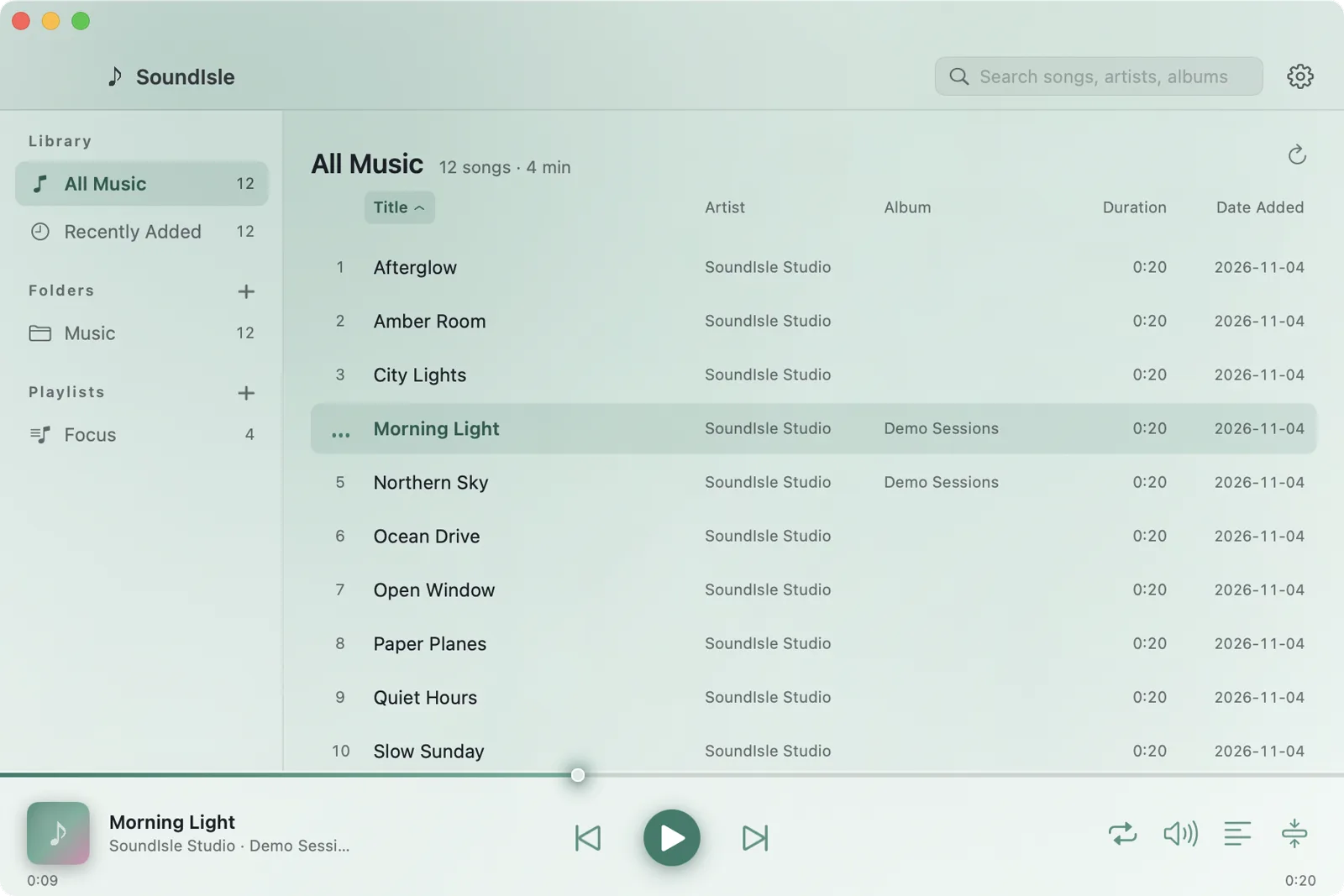
Fast to open, light on resources, quiet by design. Local library, mini player, desktop lyrics, tag repair, and background transcoding for formats macOS does not play.
Why I built it
My music has always lived on a hard drive. To listen, I only wanted to point a player at a folder and press space. The players I tried asked me to sign in, put an online catalogue first, or pushed a new album when I did not need one.
So I wrote one that only plays local files: open it and listen, keep it beside you while you work, and let the lyrics appear when you want to sing along. It is called SoundIsle.
What it does
Local library, no account
Recursive folder scan with tags, artwork and duration; falls back to “Artist - Title” filenames. Playlists, search and several sort orders.
Mini player and menu bar
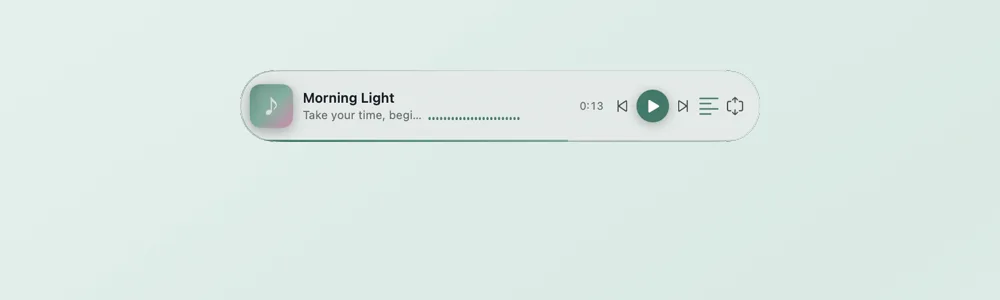
The main window tucks away into a small strip that never steals focus. The menu-bar item and media keys work everywhere.
Desktop lyrics
Transparent, draggable, resizable and click-through when locked; hovering a locked overlay reveals a small drag/unlock pill. Same-name .lrc, LRCLIB matching or manual import.
Tag repair and organising
Edit tags, fix GBK/UTF-8 mojibake, batch changes and undo. Preview tag-based file moves before applying them, with undo.
Format tolerant
MP3, FLAC, M4A, WAV and AIFF play natively; ape, wma, ogg, opus and dsf are transcoded to an ALAC cache by your local ffmpeg.
Palettes and languages
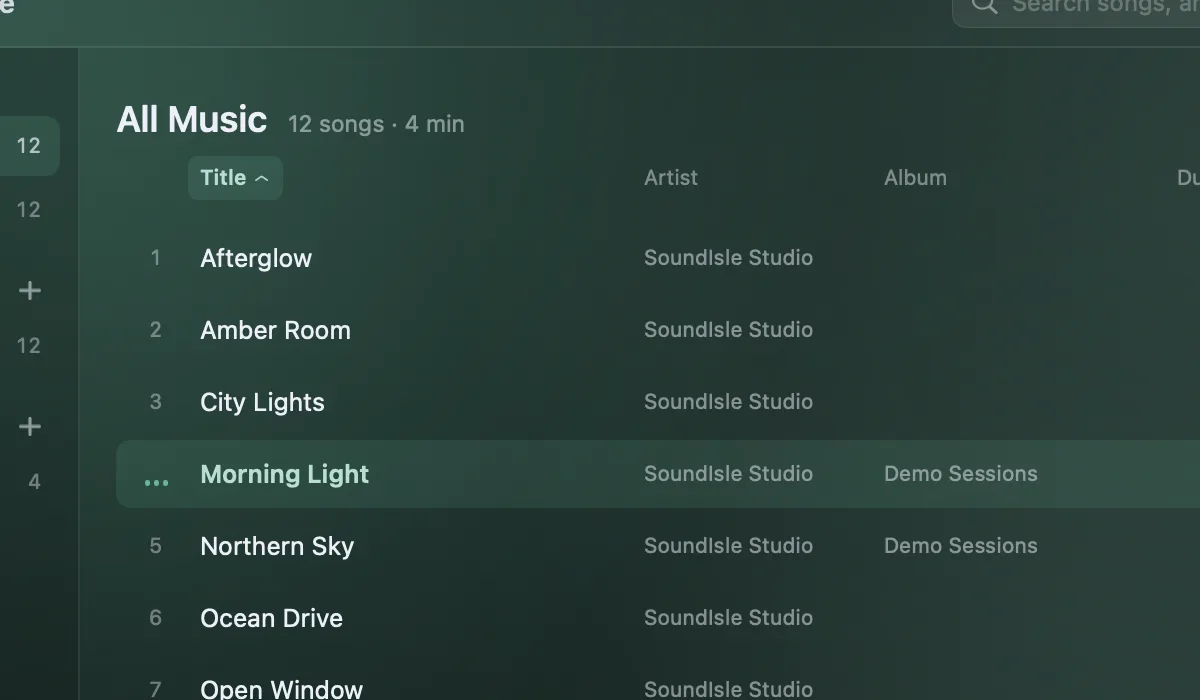
Six palettes — celadon, deep blue, morning, ink, berry and sea salt — following the system appearance. Chinese and English UI.
A closer look

Under the hood
- Stack
- Swift · SwiftUI · AppKit · AVFoundation
- Requires
- macOS 12 Monterey or later
- Architecture
- Universal: Intel + Apple Silicon
- Tests
- 224 unit tests
- Download
- 5.4 MB DMG
- License
- MIT
Download SoundIsle
Version 0.5.1 · Universal · 5.4 MB
Before you open it
- The app is ad-hoc signed and not notarized. If macOS blocks the first launch, right-click → Open, or run:
xattr -dr com.apple.quarantine /Applications/SoundIsle.app - FFmpeg is not bundled. Install it only if you need ape, wma, ogg, opus, dsf and similar formats:
brew install ffmpeg - All data stays on this Mac in ~/Library/Application Support/SoundIsle/. Nothing is uploaded; online lyrics matching can be turned off.